FOR EVERYDAY OBSIDIAN WORK
Small refinements.
Better notes.
Edit tables and callouts, shape your reading space, and make diagrams and exported PDFs more useful.
Obsidian 1.15+ · Free & open source
FROM 0.4.0
A few more personal touches.
Pick the icon. Make it yours.
Choose a brand color, one of eight presets, or a custom color in the same Change icon panel.
See the guide →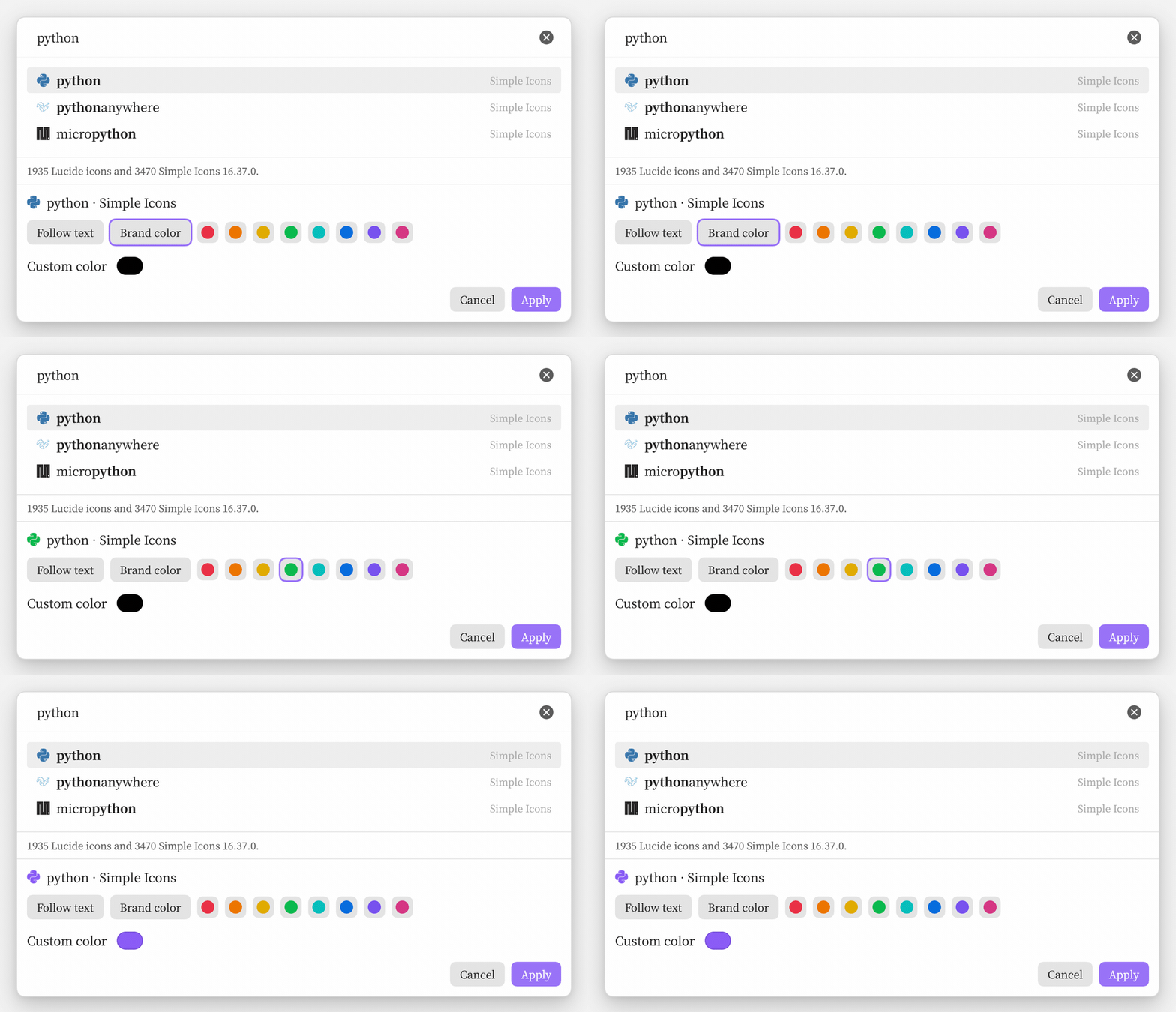
Give ideas a little structure.
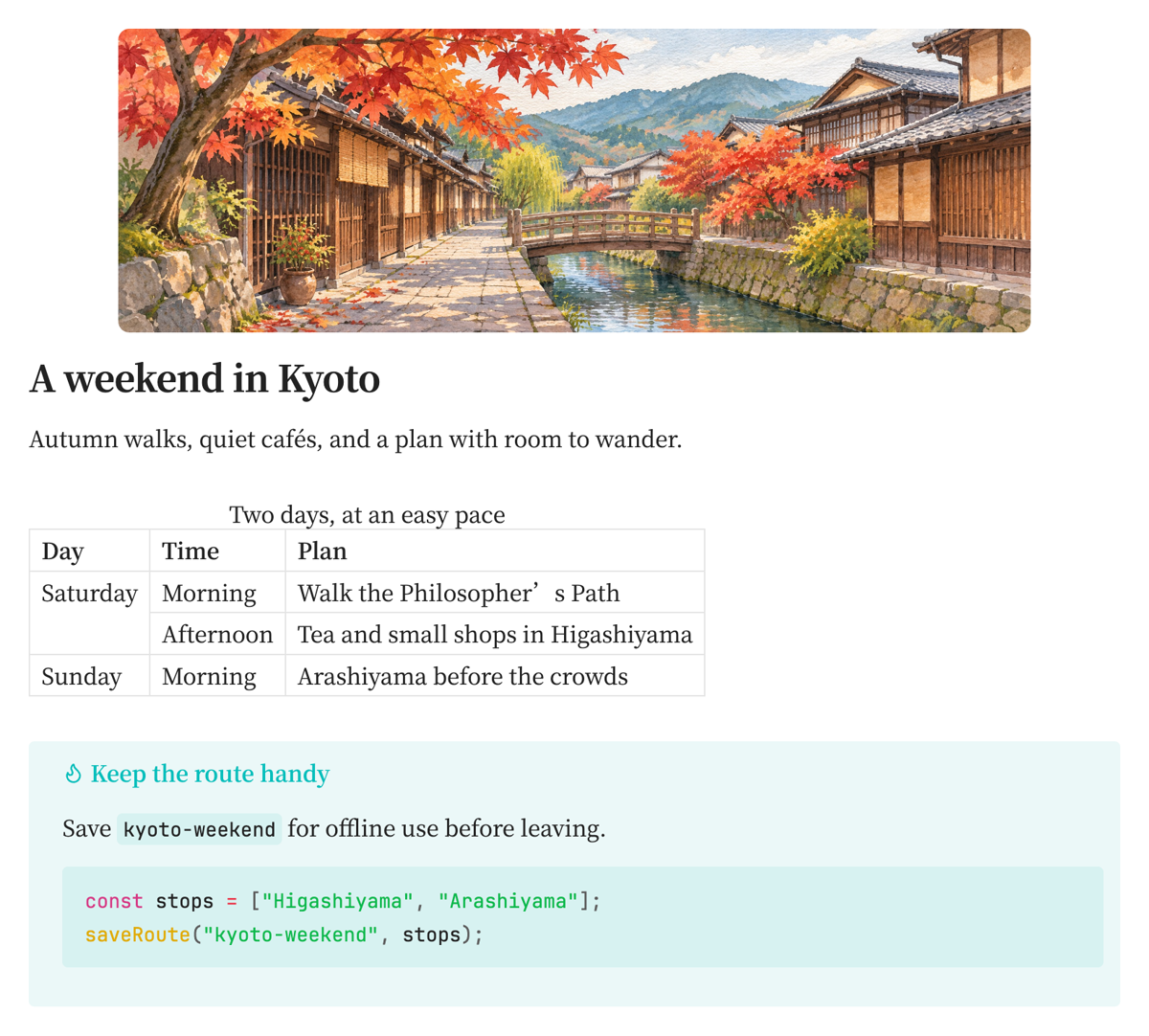
Merge table cells, edit callouts with a live preview, and line up equations without changing the formulas.
Make the note feel like yours.
Choose a comfortable reading width. Add a cover and recognizable file icons. Keep your place with quiet editor cues.
Keep the details when you share.
Use newer Mermaid diagram types and give exported PDFs a useful outline with working heading links.
START WITH ONE SMALL CHANGE
A little more room to think.
Give one note a wider reading column with a property. The other notes keep their own width.
Try per-note line width →---
patch-line-width: 1100
---Enable Readable line length in Obsidian’s editor settings first.