Banners
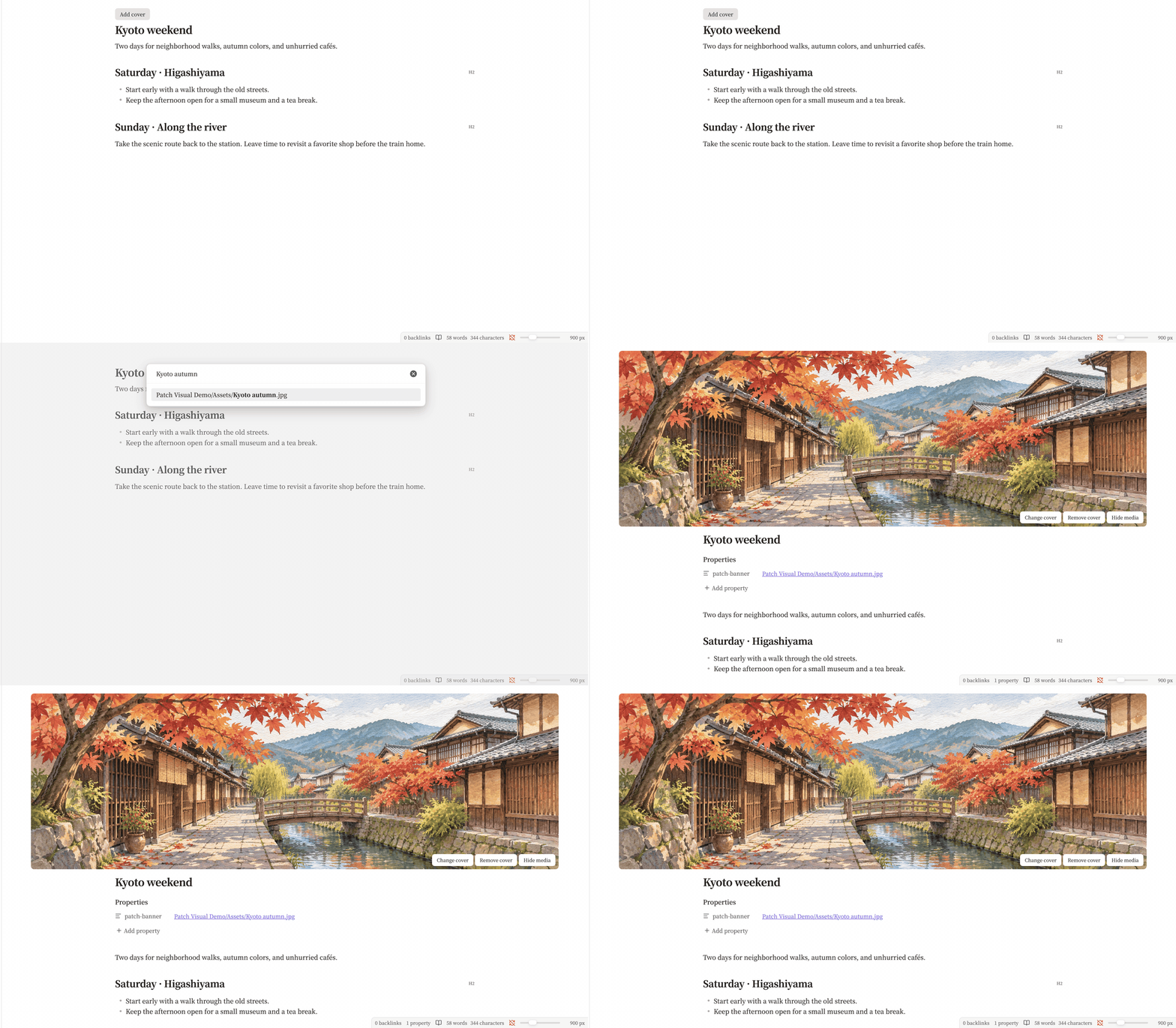
Run Patches: Select cover, or add a quoted link to an image or video in your vault:
---
patch-banner: "[[assets/kyoto-cover.jpg]]"
patch-banner-width: 65
---
In 0.5.0, the optional patch-banner-width above centers the cover at 65% of this note’s pane. Use a whole number from 10 to 100, or text such as "65%". Removing the property or entering an invalid value restores the vault width. In 0.4.0, use Patch Banner → Cover width (%) to set the width for the vault.
The cover picker lists vault file paths locally to find images and videos. These paths are not sent to a remote service.
Covers appear above the title and Properties in Reading View and Live Preview, at their original aspect ratio. Hover to add, change, or remove a cover. Removing it clears patch-banner and keeps the media file and any width preference.
Patches 0.5.0 supports reusing the same image for a cover and a body embed with Image Converter. The body image can be resized and aligned independently. Editing the underlying image file updates both uses.
Save the Kyoto cover illustration to assets/kyoto-cover.jpg in your vault to try this example.

Under Patch Banner, set the vault default with Cover width (%). It starts at 90%. Autoplay videos controls playback. Videos are muted, loop, and pause when hidden. Reduced-motion preferences defer playback and animated images until you choose to show them.
Local images and videos are supported where the platform can decode them. Covers do not appear in Source mode, embedded notes, hover previews, Canvas, or PDF exports. Updating the property uses Obsidian's YAML serializer, which may reformat frontmatter and remove comments.
If a cover does not appear
Check that the media is inside the vault, the property is a quoted link, and the note is open in Reading View or Live Preview. See banner troubleshooting.