Heading levels
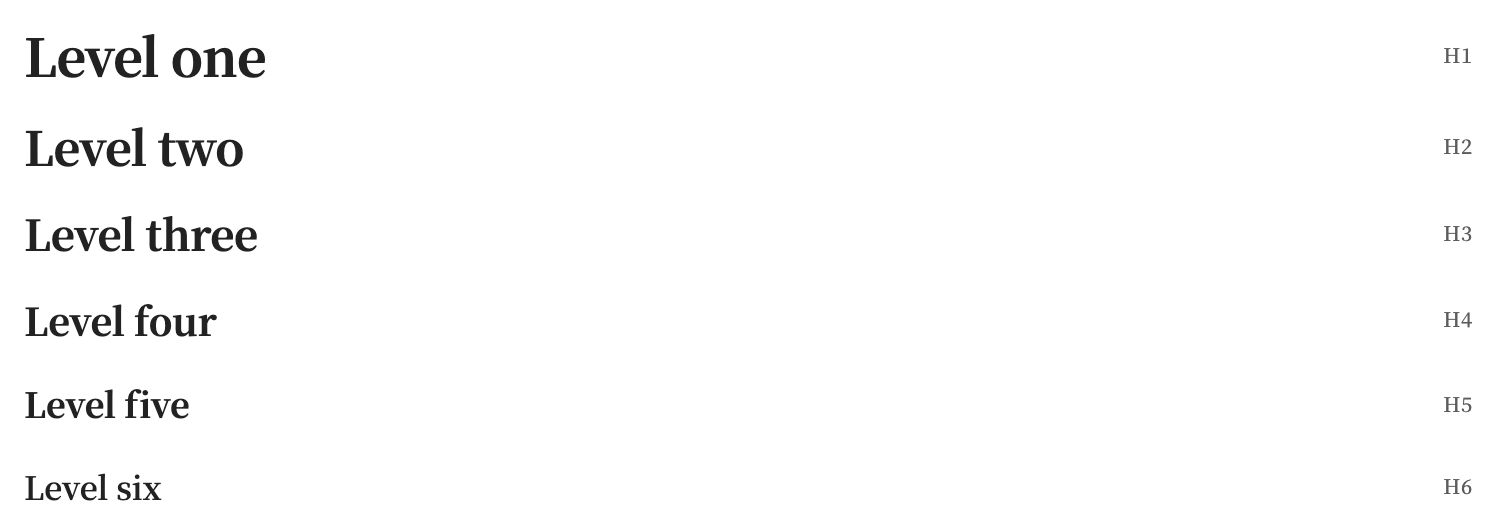
H1–H6 labels appear beside headings in Reading View, Live Preview, and Source mode. Wrapped headings leave room for the label, and Setext headings are supported. Toggle Editor → Heading levels; it is on by default. Labels do not change note source or appear in exported PDFs.
Where it works
Reading View, Live Preview, and Source mode. Exported PDFs use the note’s headings without the visual H1–H6 labels.