PDF navigation
Use Obsidian's Export to PDF on desktop. Under PDF Export, Document outline adds heading bookmarks and Heading links enables jumps within the note; both are on by default.
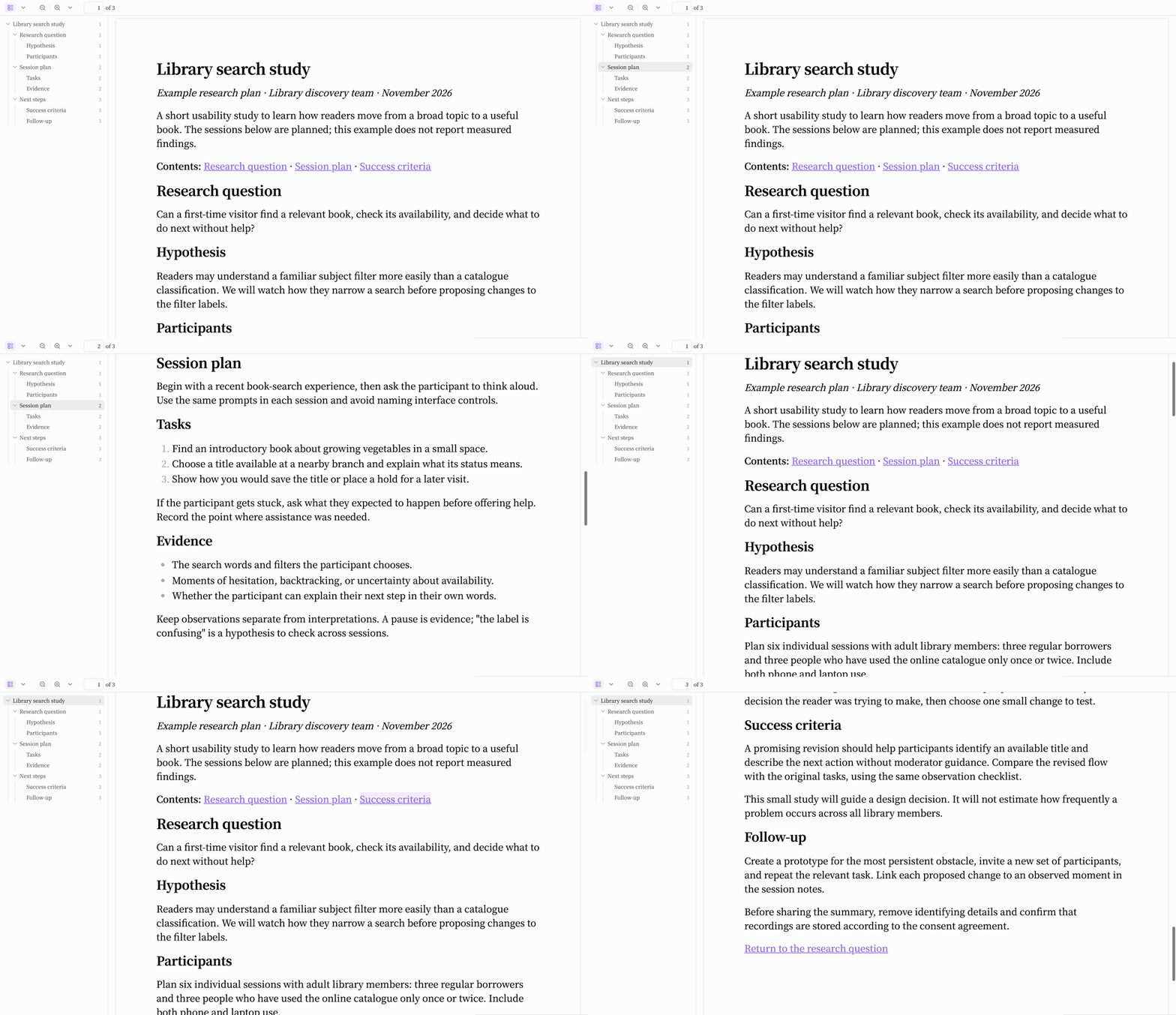
Open the example research plan to try the bookmarks and heading links in your PDF reader.
Links such as [[#Session plan]] and [Success criteria](#success-criteria) work, including Unicode headings and common Markdown fragments such as #session-plan-1 for repeated headings. Wikilinks follow Obsidian's native heading matching. Links to other notes, block references, and embedded-note links retain native export behavior.
Export uses the native dialog's paper size, margins, orientation, and title options.
Platform
This enhancement uses Obsidian’s native desktop PDF export. It does not replace the PDF renderer or change the export layout. Mobile export is outside this feature’s scope.